
MALAYSIA-FIRST PERSONAL FINANCE
Spenza / AndroidYour everyday money.
Made for Android.
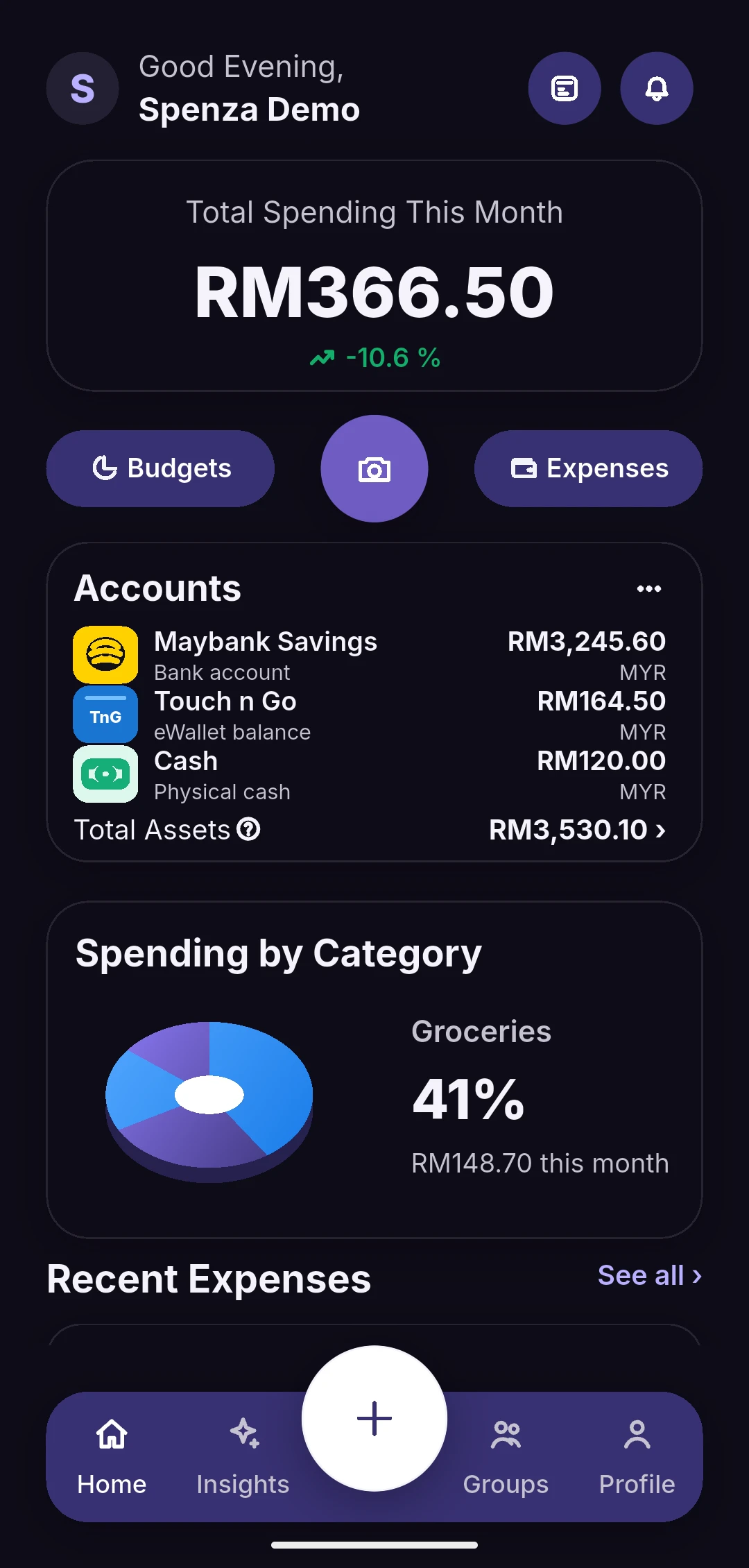
Spenza is a real Flutter Android application for understanding spending, managing budgets and tracking everyday financial activity in MYR.
Available for Android. Install the signed APK directly from this official website.
The released app continues to receive improvements. Google Play and iOS distribution are not currently available.
Watch the product walkthrough
RELEASE DETAILS
Know what you install.
Developed in Malaysia by Ahmad Zulhilmi, solo founder and developer. Founded June 2026. Development continues alongside the public release.
- Latest release
- 2026-10-09
- Version / build
- 1.0.0 / 1
- APK size
- 62.96 MiB (66,014,923 bytes)
- Minimum Android version
- Android 7.0 (API 24)
- SHA-256 checksum
3479ddbd3d829784db1662ac1c4df91296db484d33158708f1a822feaf89db9e
DIRECT INSTALLATION
A few simple steps.
Install the official signed APK on your Android phone. This is not a Google Play listing.
- Download the APK from this official website. Check its filename, version and SHA-256 against the published release details.
- Open the downloaded file. Android may ask you to allow installation from your browser or file manager. Grant permission only to the app you are using to install Spenza.
- Review Android’s security prompts. Keep Play Protect enabled; stop if Android reports that the file is unsafe or its signature cannot be verified.
- After installation, turn off “Allow from this source” again. Future updates must use the same app signing identity.
UPDATES & SECURITY
Keep your app. Keep your data.
Return to this official download page for future releases. See the Changelog for changes.
Download the newer APK and open it to update Spenza in place. Official updates retain the same package and signing certificate and use a higher build number. Do not uninstall your current app to update.
If Android reports a signature conflict, stop and contact z1esco@s-penza.app. An old debug installation may have a different signature; uninstalling it removes local data.
Android’s “install unknown apps” prompt controls which browser or file manager can install an APK. It is separate from a Play Protect unsafe-app warning. Keep Play Protect enabled; do not bypass an unsafe-app warning. A matching checksum confirms file integrity, not a security certification.